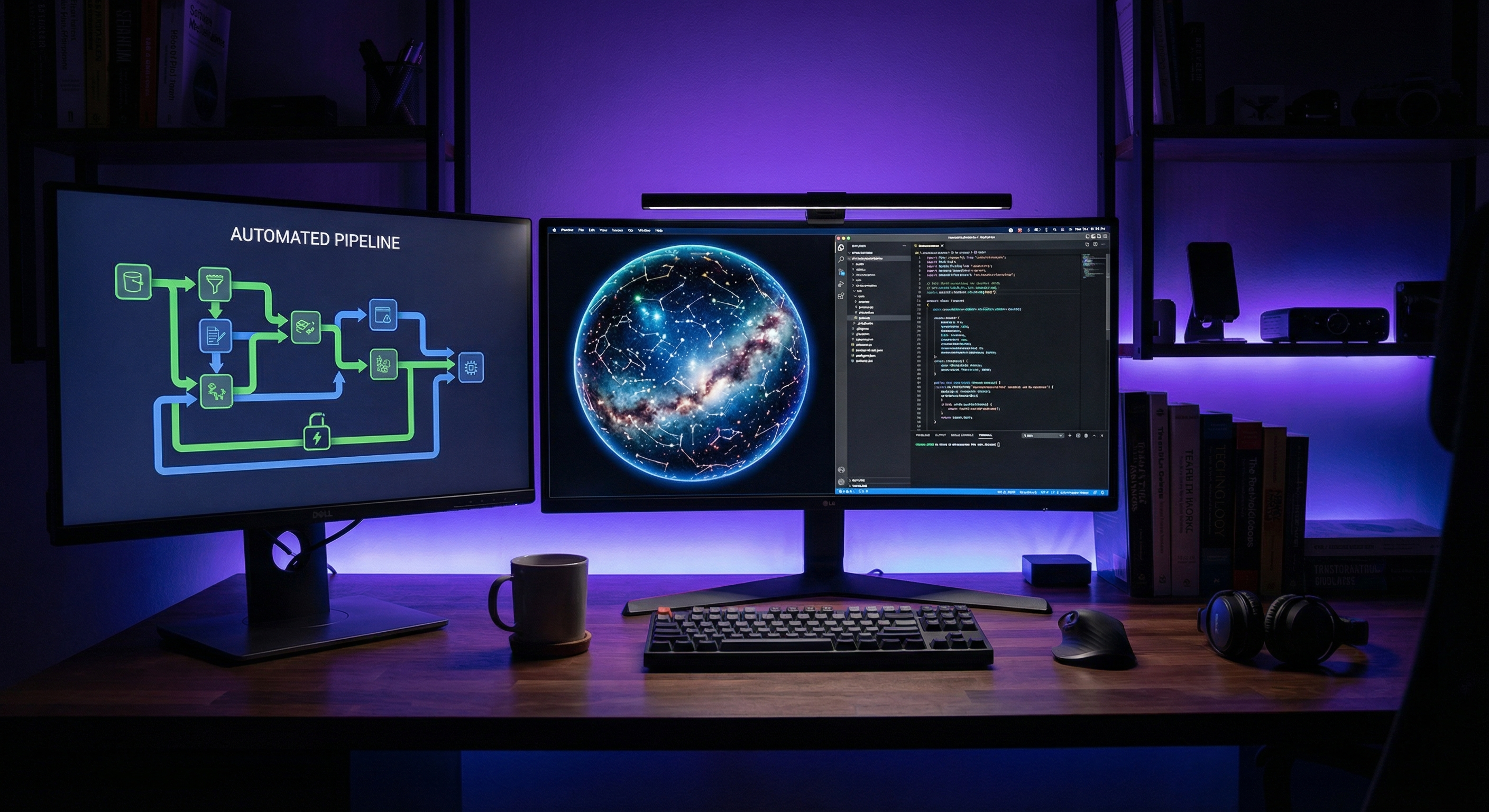
When I started building Skylit Studio, I knew the biggest challenge wouldn't be the frontend or even the astronomical calculations. It would be creating a system that could automatically generate print-ready files without any manual intervention.
Every order is unique. A customer picks a date, time, and location, and we need to render the exact sky they would have seen at that moment. Then package it into a high-resolution file ready for printing.
The Architecture
The system has three main components:
- Shopify Frontend - The product configurator where customers customize their map
- Django Backend - Handles rendering, storage, and order management
- Webhook Pipeline - Connects Shopify orders to the rendering system
When an order comes in, Shopify sends a webhook to our Django server. The server parses the order data, queues the render job, and starts generating the final image.
The Rendering Pipeline
Star map rendering uses stereographic projection to accurately map the celestial sphere onto a 2D plane. Here's a simplified version of the core projection function:
def stereographic_project(self, ra, dec, center_ra, center_dec):
    """Project celestial coordinates using stereographic projection."""
    ra_rad = math.radians(ra)
    dec_rad = math.radians(dec)
    center_ra_rad = math.radians(center_ra)
    center_dec_rad = math.radians(center_dec)

    # Calculate angular distance from center
    cos_c = (math.sin(center_dec_rad) * math.sin(dec_rad) +
             math.cos(center_dec_rad) * math.cos(dec_rad) *
             math.cos(ra_rad - center_ra_rad))

    if cos_c <= 0.01:  # Behind the visible hemisphere
        return None

    # Stereographic projection formula
    k = 2 / (1 + cos_c)
    x = k * math.cos(dec_rad) * math.sin(ra_rad - center_ra_rad)
    y = k * (math.cos(center_dec_rad) * math.sin(dec_rad) -
             math.sin(center_dec_rad) * math.cos(dec_rad) *
             math.cos(ra_rad - center_ra_rad))

    return (self.center_x - x * self.scale, self.center_y - y * self.scale)
This projects each star's right ascension and declination onto x,y coordinates on the canvas. The projection preserves angles, which means constellations look correct even near the edges.
Moon Phase Rendering
For moon phase products, we use a different approach. Instead of calculating moon appearance mathematically, we render it using Three.js with displacement maps for realistic crater depth.
Why Three.js? We needed photorealistic moon renders at print resolution (4096x4096+). Using actual NASA displacement data with Three.js gives us accurate crater shadows that change with the illumination angle.
The moon render runs in a headless Chromium instance via Playwright. This lets us use the full WebGL pipeline without needing a display server.
Handling Scale
The biggest challenge was handling multiple concurrent renders. Each high-resolution render takes 5-15 seconds and consumes significant memory. We use a task queue with webhooks to manage this:
- Orders are queued immediately on webhook receipt
- Workers process renders in parallel (limited by available memory)
- Completed files are uploaded to cloud storage
- Customer receives email with download link
Results
The system now handles orders completely autonomously. From order placement to render completion typically takes under 2 minutes, even during busy periods.
No manual image creation. No bottlenecks. Just automated celestial art generation.

Is Your Website Winning You Work?
21 practical checks across 5 categories. Score yourself and see where you stand — takes 5 minutes.
Get the Free Checklist →